> For the complete documentation index, see [llms.txt](https://docs.peajia.com.tw/llms.txt). Markdown versions of documentation pages are available by appending `.md` to page URLs; this page is available as [Markdown](https://docs.peajia.com.tw/home/help-center/start/test-send.md).
# 教我使用測試發送
Pea'Jia整合一組免費的官方帳號供測試發送,將設定好的訊息或圖文選單發送至全體測試人員或指定的對象,提前檢視訊息內容和互動操作,避免人為操作失誤。
> #### 快速了解這個單元
>
> * 先把自己的 LINE 帳號「授權成可收測試訊息」。
> * 在各功能找到「測試發送」按鈕並送出預覽。
> * 選對測試接收者,避免活動資訊外流。
>
> #### 先完成測試帳號授權
>
> Pea'Jia 需要先識別你的 LINE 帳號。 你必須先完成「測試帳號授權」,才能接收測試訊息。\
> 操作流程請看 [測試帳號是什麼?](/home/help-center/start/test-oa.md)。
{% hint style="warning" %}
測試帳號授權必須由管理者本人操作。\
無法由其他管理者代綁或指派。
{% endhint %}
***
## 在哪裡可以用「測試發送」
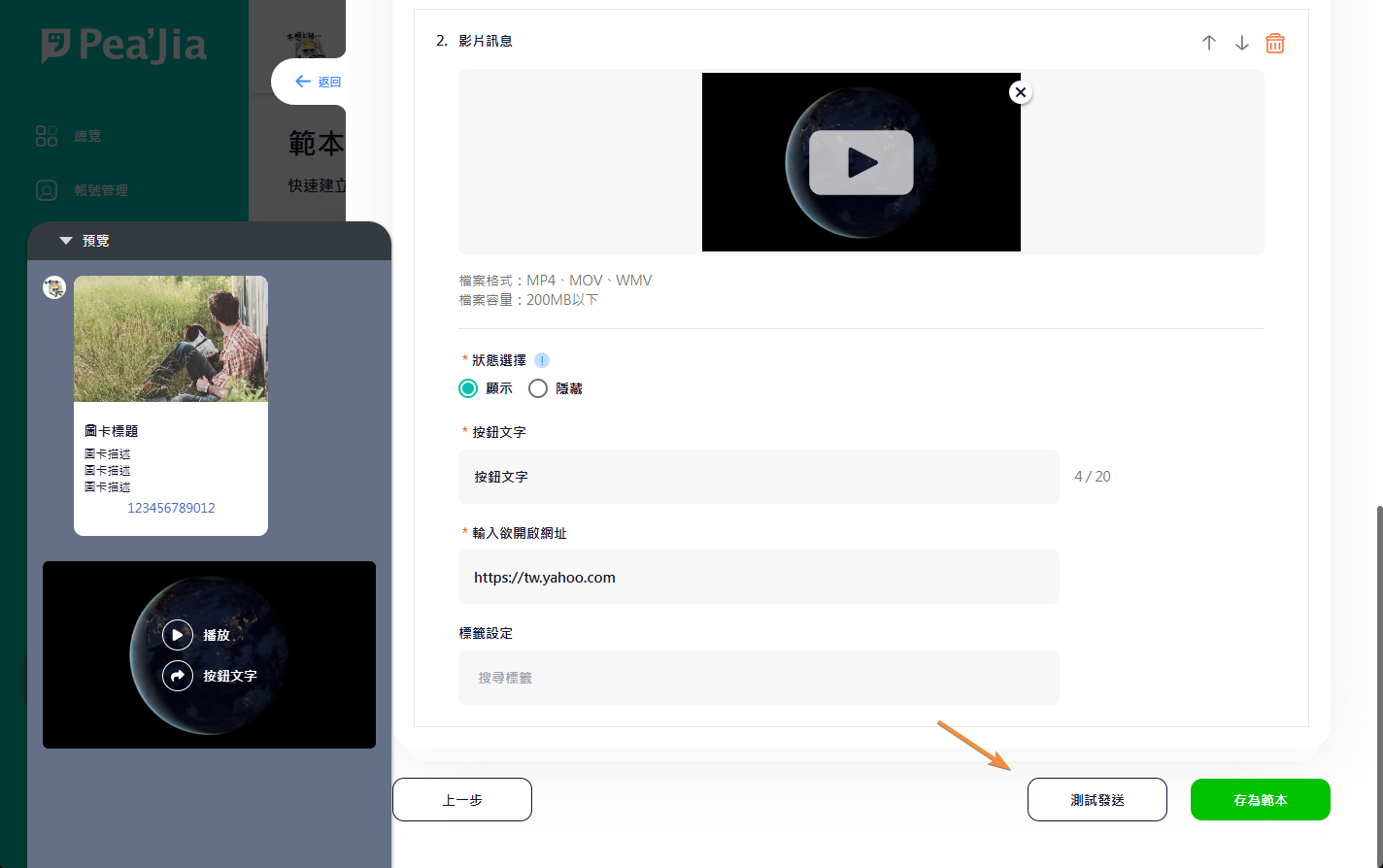
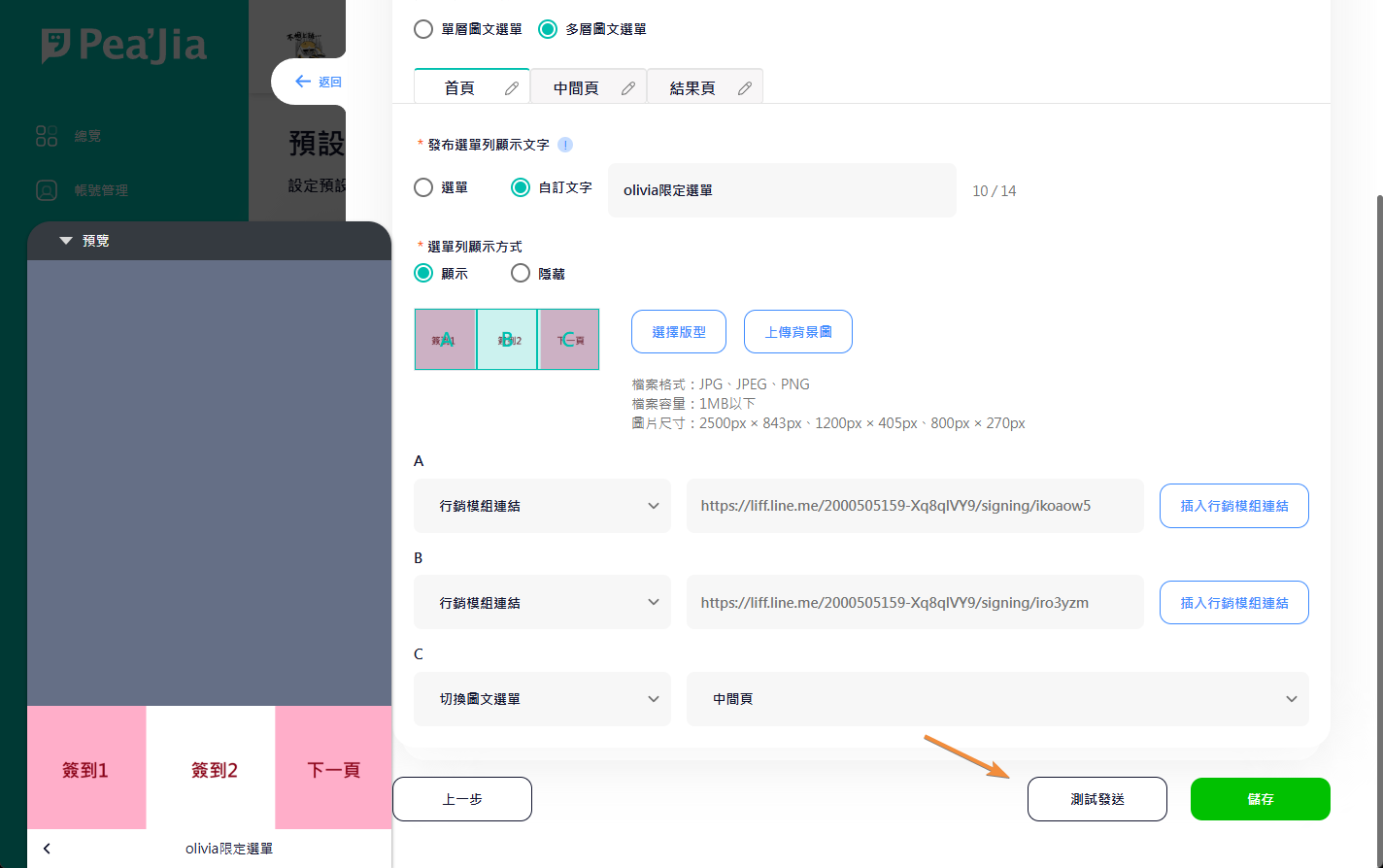
你會在「內容編輯區」下方看到 **測試發送** 按鈕。
#### 訊息(推播 / 範本)
適用功能:
* 推播管理
* 範本管理
按鈕位置如下:
#### 圖文選單(預設 / 分眾)
適用功能:
* 預設圖文選單
* 分眾圖文選單
按鈕位置如下:
***
## 選擇測試接收者
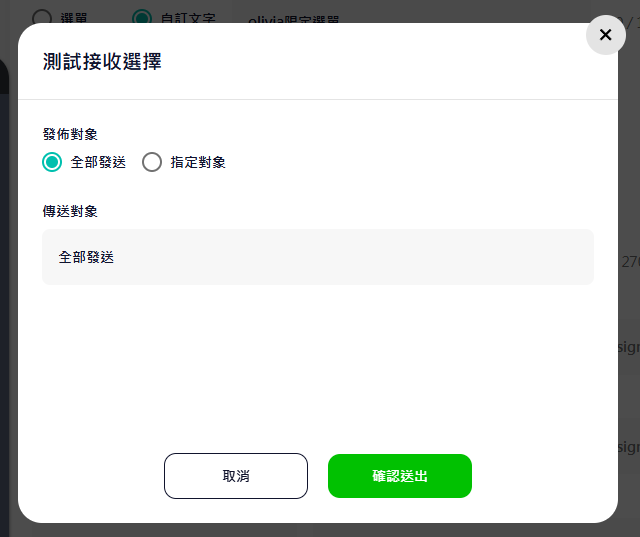
測試發送支援兩種方式:
* 發給「所有可收測試訊息」的管理者
* 多選「指定管理者」
#### 全部發送
系統會發給「目前仍在帳號內」且「已完成測試帳號授權」的所有管理者。
{% hint style="warning" %}
若有管理者已離職或不再管理,請先到 [帳號管理](/home/help-center/basic/account.md) 移除該帳號。\
避免測試訊息提前暴露活動資訊。
{% endhint %}
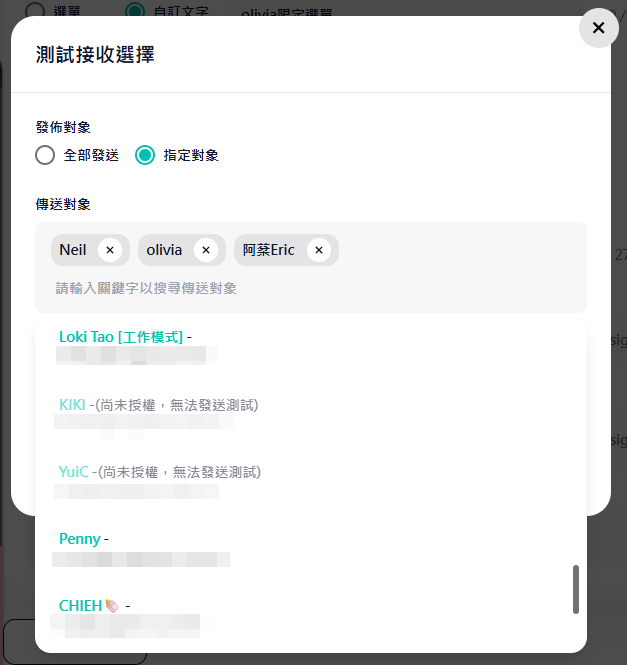
#### 指定對象
你可以多選已完成授權的管理者。
點擊搜尋欄即可搜尋或勾選。
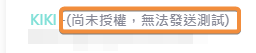
若管理者名稱後方顯示 **(尚未授權,無法發送測試)**,代表該管理者尚未完成測試帳號授權。
此時無法選取,也無法發送測試訊息給他。
***
### 延伸操作
* 了解授權與加入流程:前往 [測試帳號是什麼?](/home/help-center/start/test-oa.md)。
* 管理成員與移除離職帳號:前往 [帳號管理](/home/help-center/basic/account.md)。
* 推播上線前先預覽:前往 [推播管理](/home/help-center/basic/push-message.md)。
* 圖文選單上線前先測:前往 [預設圖文選單](/home/help-center/basic/default-richmenu.md) 與 [分眾圖文選單](/home/help-center/basic/audience-richmenu.md)。
* 內容要怎麼組比較省時間:前往 [有哪些訊息模組?](/home/help-center/start/message-module.md)。
* 觸發型流程驗收(關鍵字 / 加好友):前往 [自動回應](/home/help-center/basic/auto-reply.md) 與 [歡迎好友的加入訊息](/home/help-center/basic/welcome-message.md)。